Game Studio
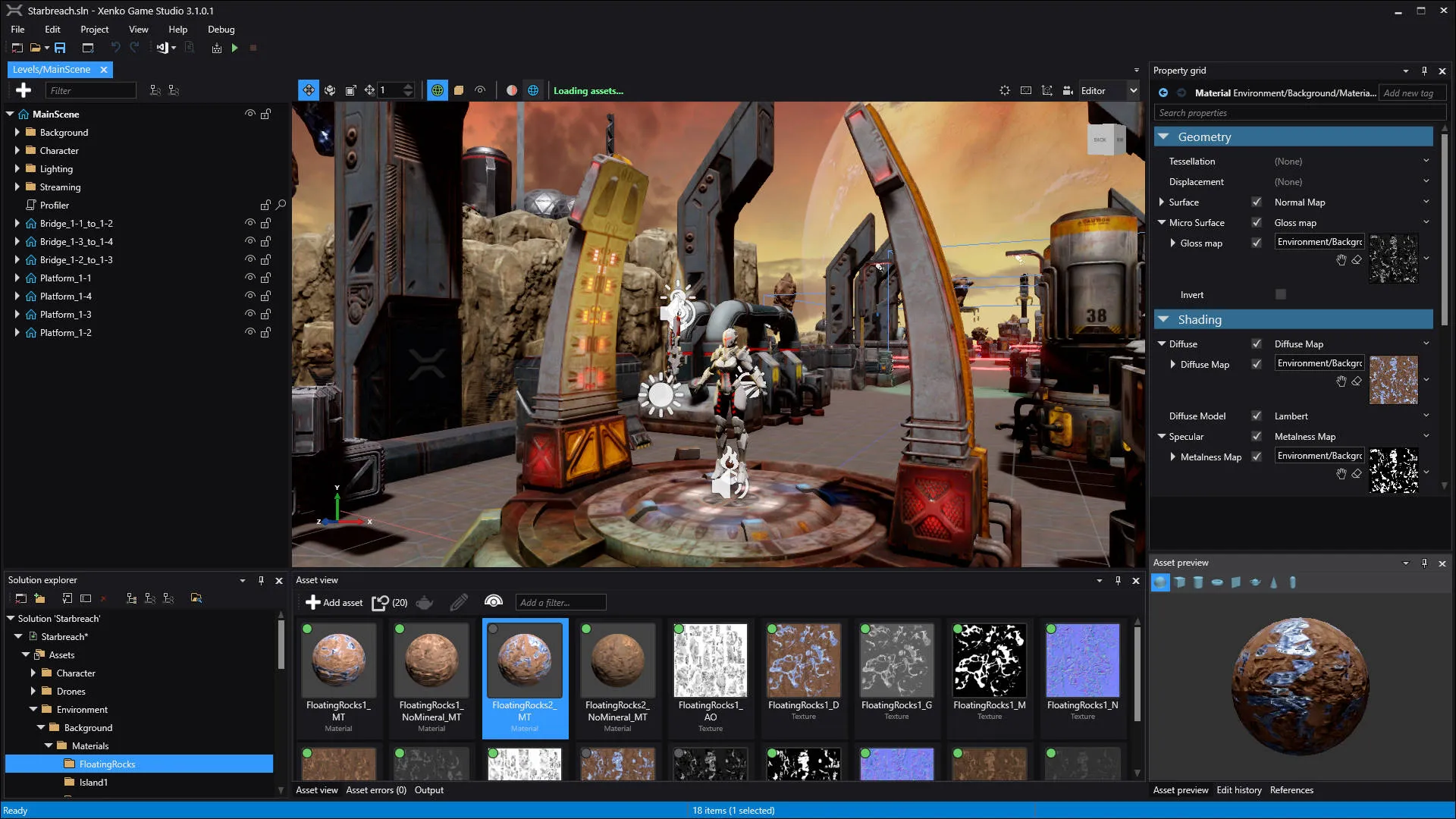
Stride comes with a robust toolchain that enables you to intuitively and efficiently create, manage and modify all assets of your game.
The suite of editors simplify and automate common development workflows. Its nested prefab and archetype systems scale along all editors and assets.
Stride Game Studio has also been designed so that it can be extended easily.
Graphics compositor
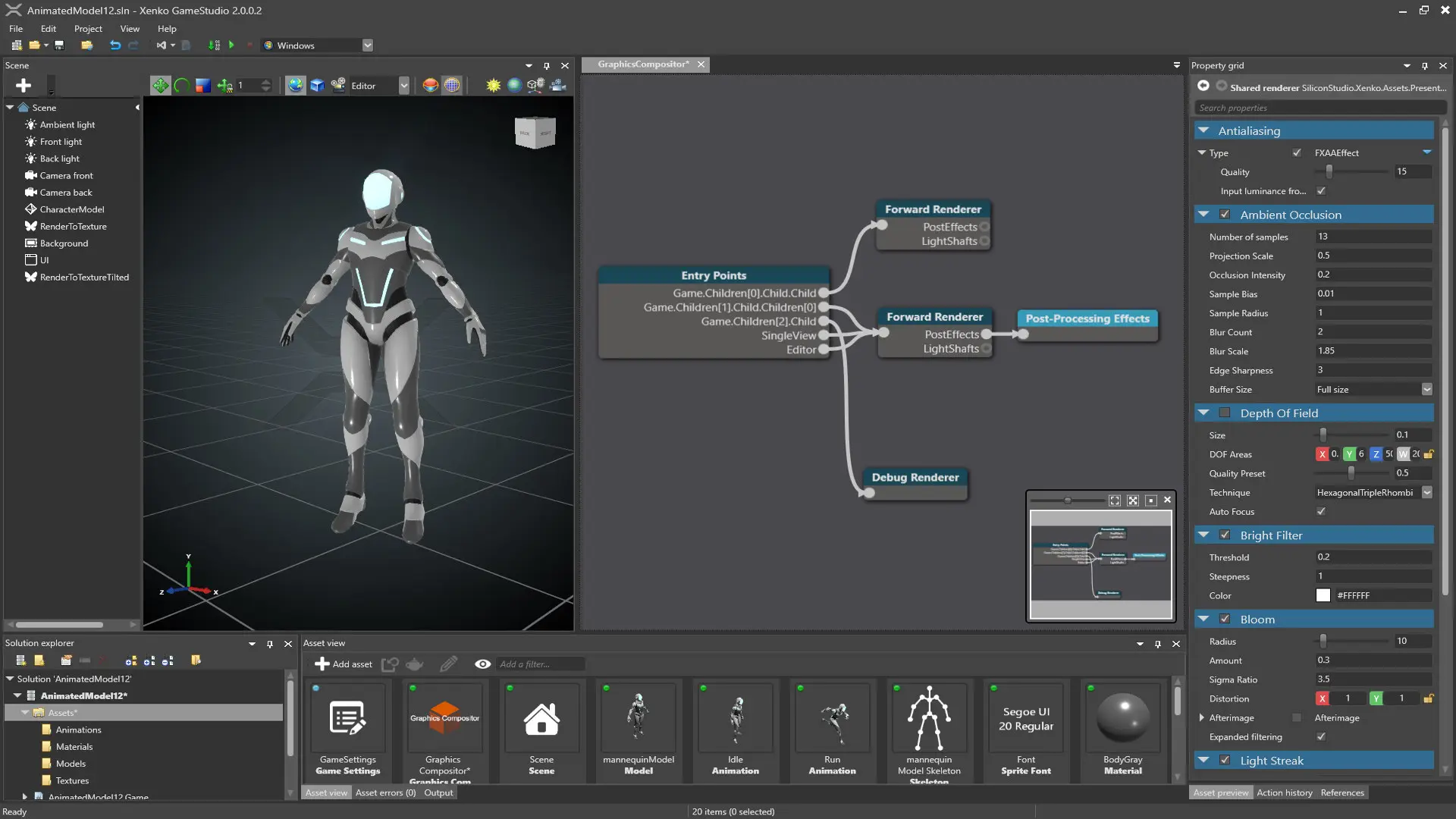
Customize the rendering pipeline of your game in a visual way using building blocks. Future versions will even allow you to edit the building blocks themselves.
Nested prefabs
Edit a prefab and every instance updates automatically, saving hours of work. You can even edit prefabs inside other prefabs.
UI editor
Build the UI of your game visually and intuitively. Create UI libraries and leverage the prefab system to automatically update all your UI elements' design.
Scene editor
Create your game scenes and levels simply by dragging and dropping your objects from the asset view to the desired places.
Sprite editor
Create and edit sprites visually in the editor. Stride automatically creates optimized atlases from your sprite sheets.
Curve editor
Intuitively animate the value of your properties by creating animation curves directly in the editor.
Advanced graphics
With Stride, there's no need to be a rendering expert to make great-looking games. The engine does the work for you, so you can focus on the important stuff.
Stride's PBR materials, light probes, post effects, multithreading, and next-gen graphics API support deliver realistic graphics with outstanding performance.
The flexible pipeline, accessible low-level APIs, and customizable shaders let you tweak the rendering as much as you need.
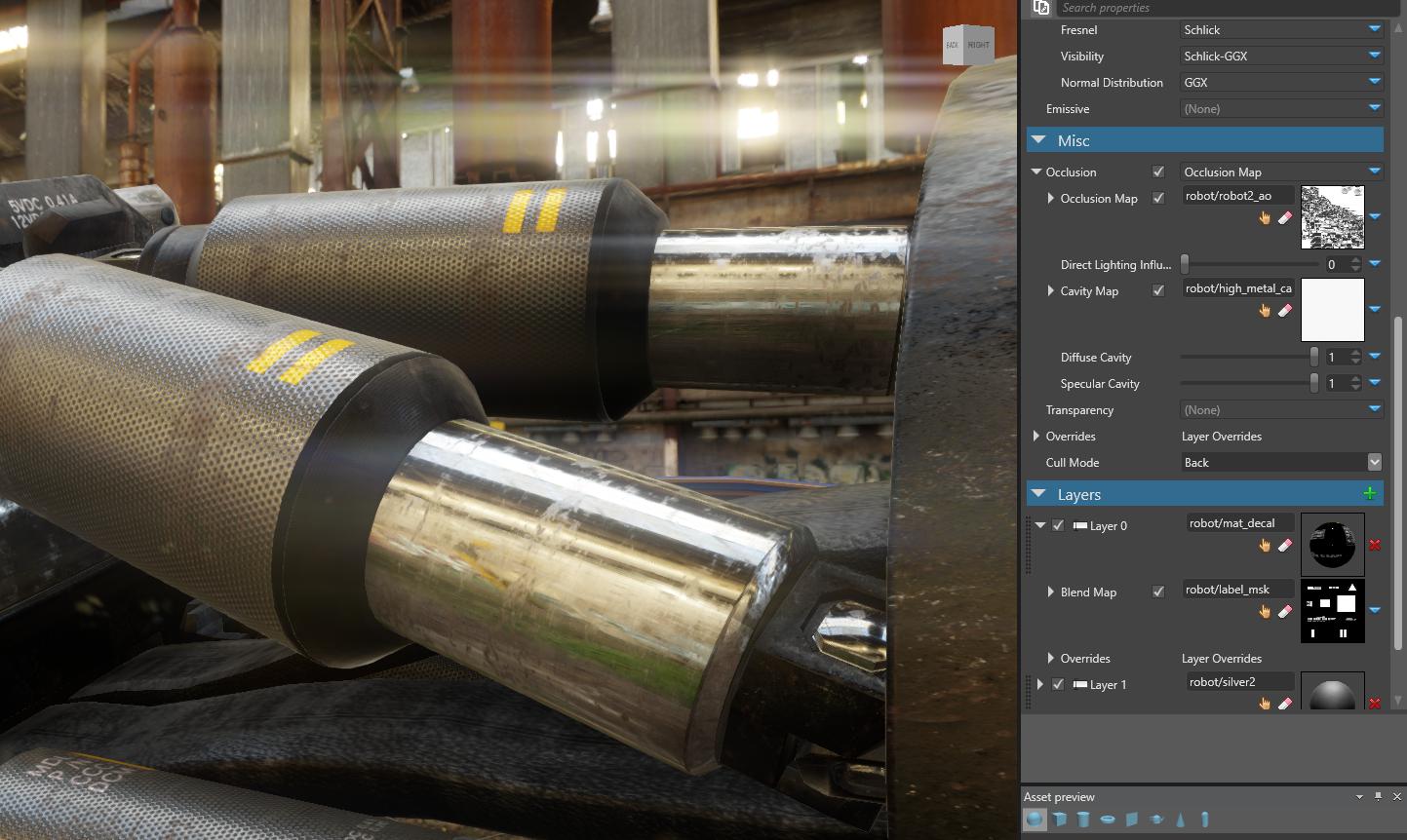
PBR materials
Bring your game one step closer to reality with physically-based materials. Create infinite variations of materials by layering them together.
Light probes
Increase graphics realism by adding indirect lighting to static and dynamic objects of your game with our new light probe system.
DirectX 12 and Vulkan
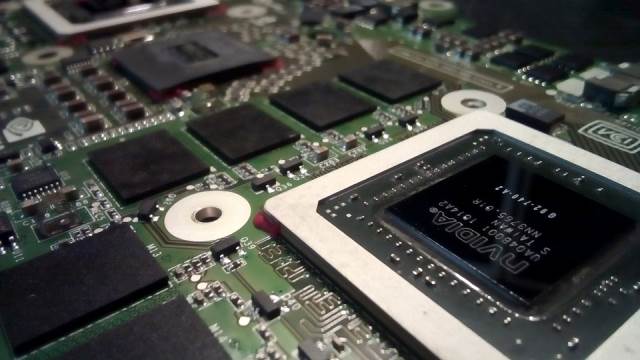
Increase performance of your game thanks to next generation explicit graphics APIs: multi-thread your rendering and reduce driver overhead.
Particles
Add life and realism to your game using the fully integrated particle system. Particles can be edited from the scene editor.
Advanced shader language
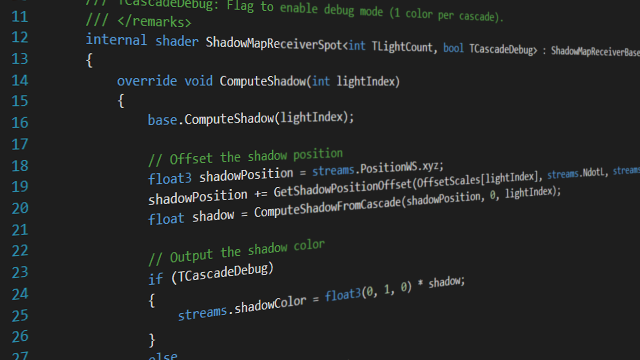
Say goodbye to uber shader problems. Split shaders logically with Stride's composition-based shader language, written on top of HLSL.
Post effects
Add photorealistic effects to your game with post-effects. Stride supports all the most common effects such as Depth of Field, Bloom, etc.
Reliable engine
Whether you're indie or AAA, Stride lets you focus on your ideas rather than technical concerns.
It comes with a full set of modules dedicated to editing every part of your game. Each is provided out of the box and integrated into the engine.
Modern C# scripting with shader and script hot reload lets you build prototypes and iterate fast.

C# scripting
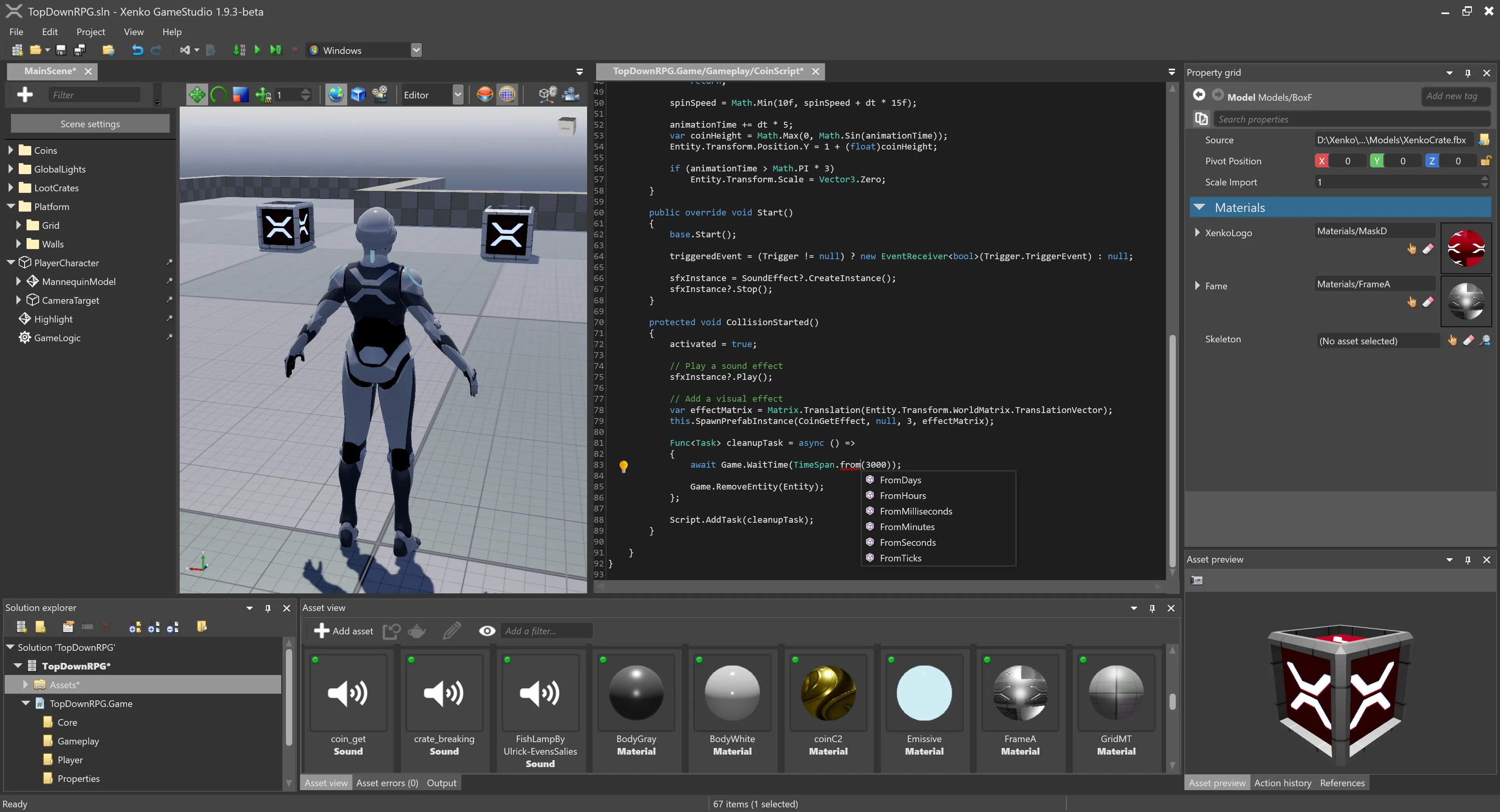
Built in C#, Stride gives you access to the low-level APIs, C# 14 (.NET 10) and asynchronous scripting, and comes with a script editor.
Scene streaming
Easily create vast worlds by streaming objects in and out of your scenes. Divide your world into subscenes to avoid editing conflicts.
Physics
Simulate the laws of physics, trigger events and easily detect collisions in your game by using Stride's physics system.
Navigation
Easily and efficiently find paths to move your characters around using navigation meshes. The scene editor automatically update them for you.
Multi-threading
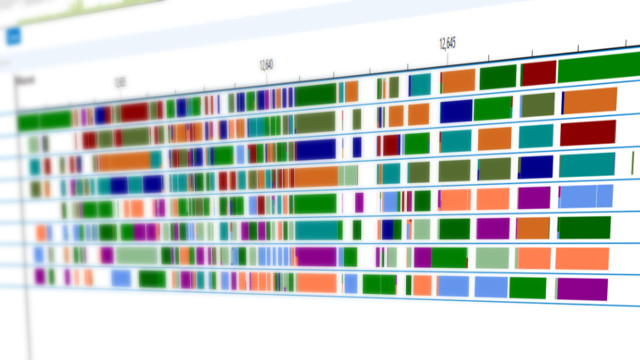
Improve the performance of your game by using a completely multi-threaded engine. Stride does all the arduous work for you in an optimized way.
Animation
Play and blend animations created in 3D modeling tools and animate any property of your game.
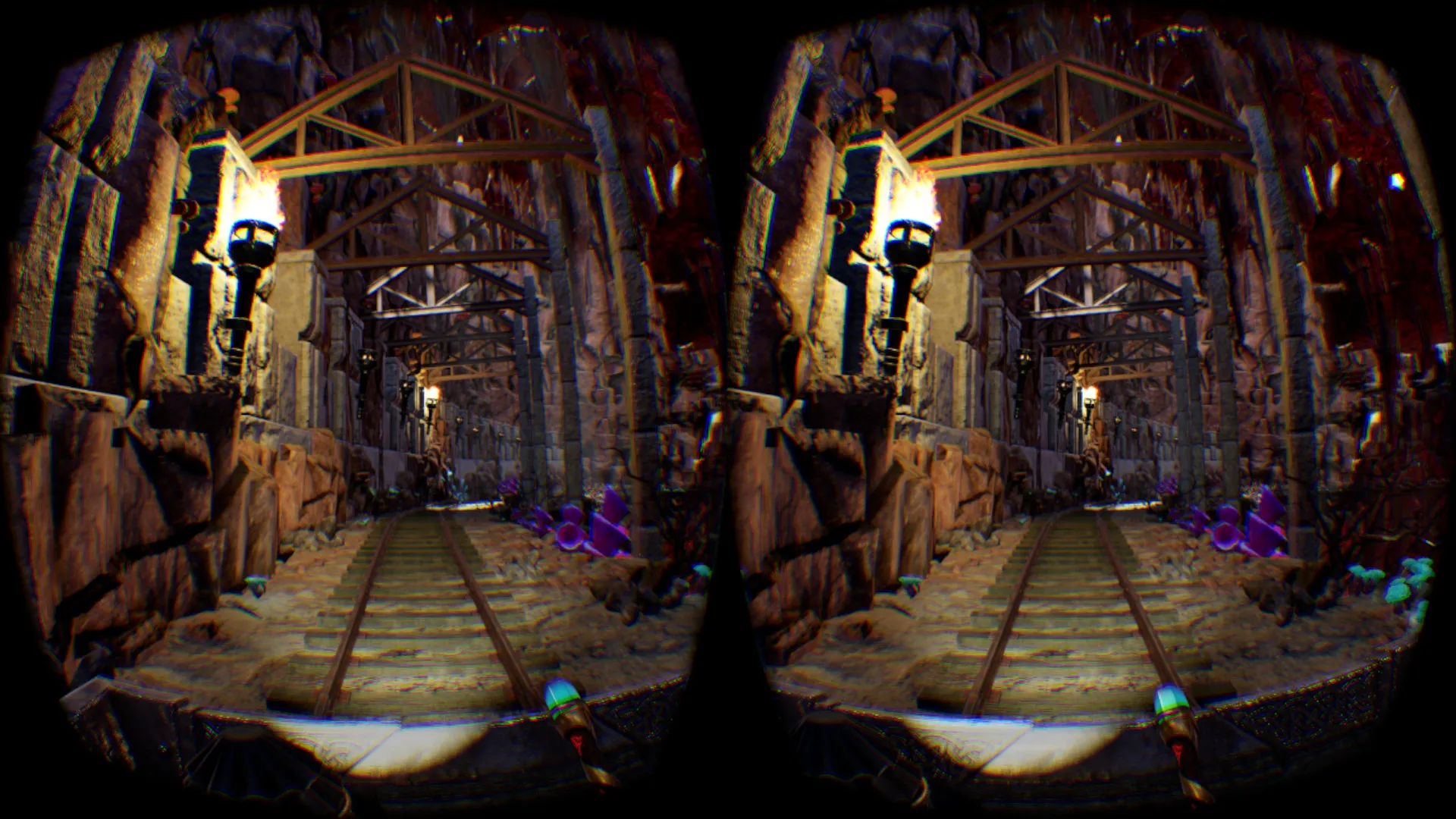
VR sample
Stride comes with a VR game sample that shows you how to implement VR gameplay, including environment interaction and teleportation.
Optimized performance

Get the best VR performance with clustered forward rendering, single-pass rendering, multi-threading, and next-gen graphics API support.
VR preview
Save valuable time by visualizing and testing VR directly from the scene editor.
C# scripting
C# scripting in Stride takes advantage of the latest language features in C# 14 and the .NET 10 framework, providing developers with cutting-edge tools to create game logic and interactivity.
With Stride's integration into the .NET ecosystem, developers can access a wealth of libraries and resources to enhance their game development experience.
By utilizing C# 14 and .NET 10, Stride enables developers to employ modern programming concepts and techniques, resulting in robust, efficient, and maintainable game code.
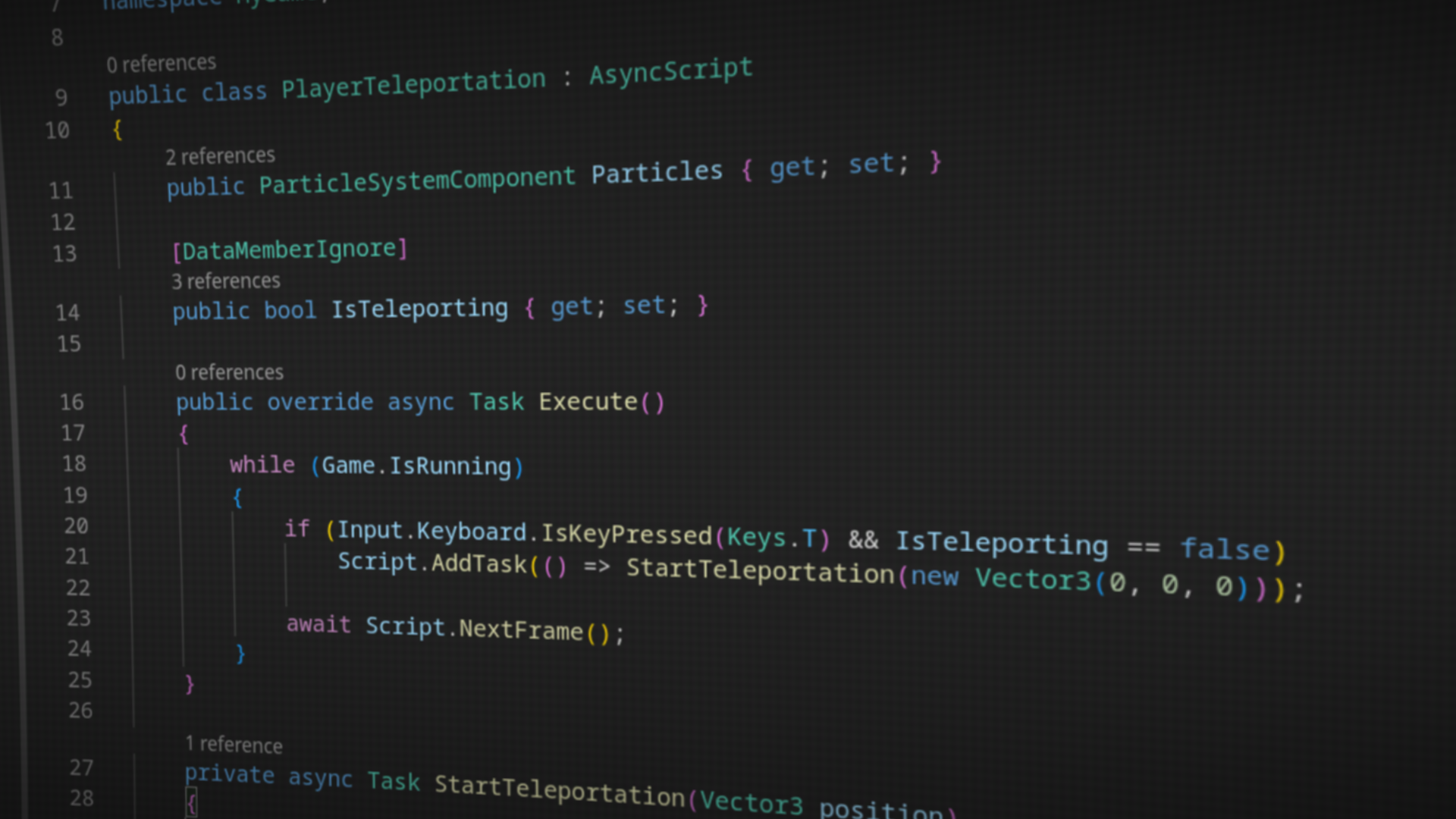
Async Scripting
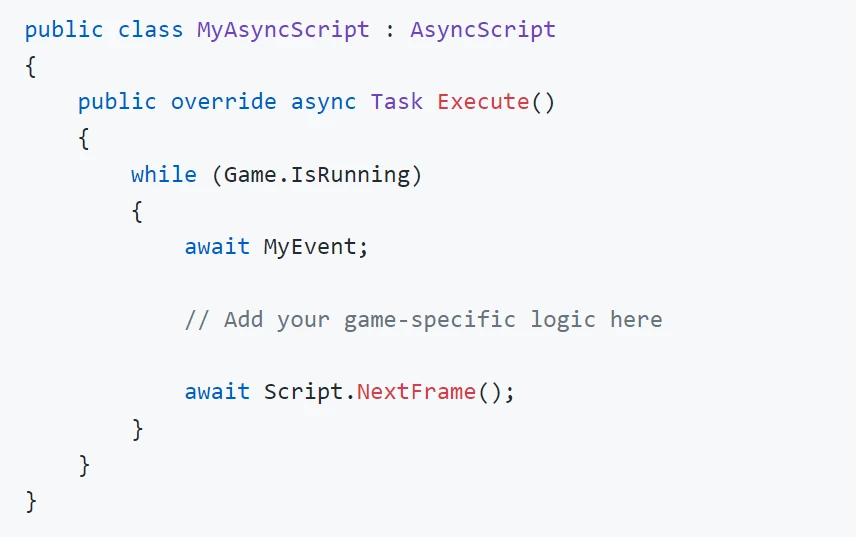
Stride lets you utilize the async/await pattern in your scripts, offering a more intuitive and efficient approach to running and managing concurrent tasks.
Entity component system
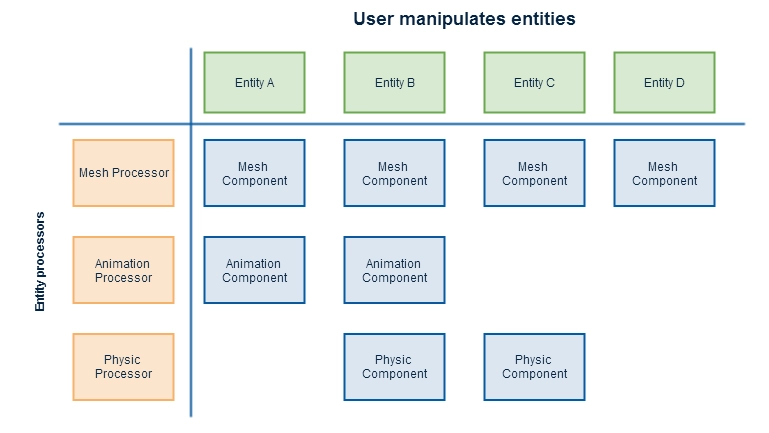
On top of standard component-based scripting, Stride also lets you structure your code using ECS for improved performance and maintainability.
Built-in script editor
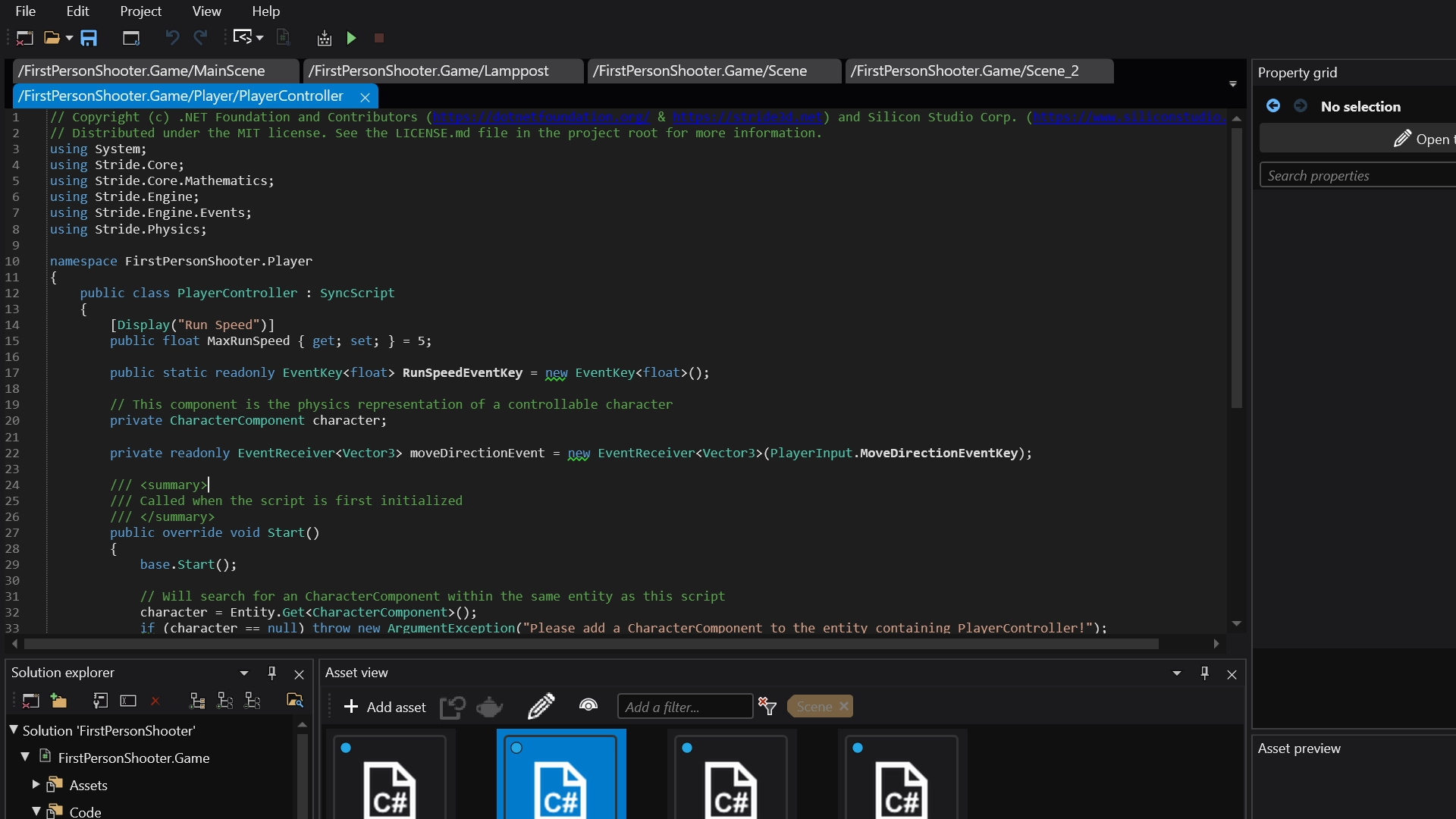
You can create games with Stride directly from its editor, without having to juggle multiple applications. The built-in code editor is sufficient enough to accomplish most tasks that typically require an IDE.
Command-line ready
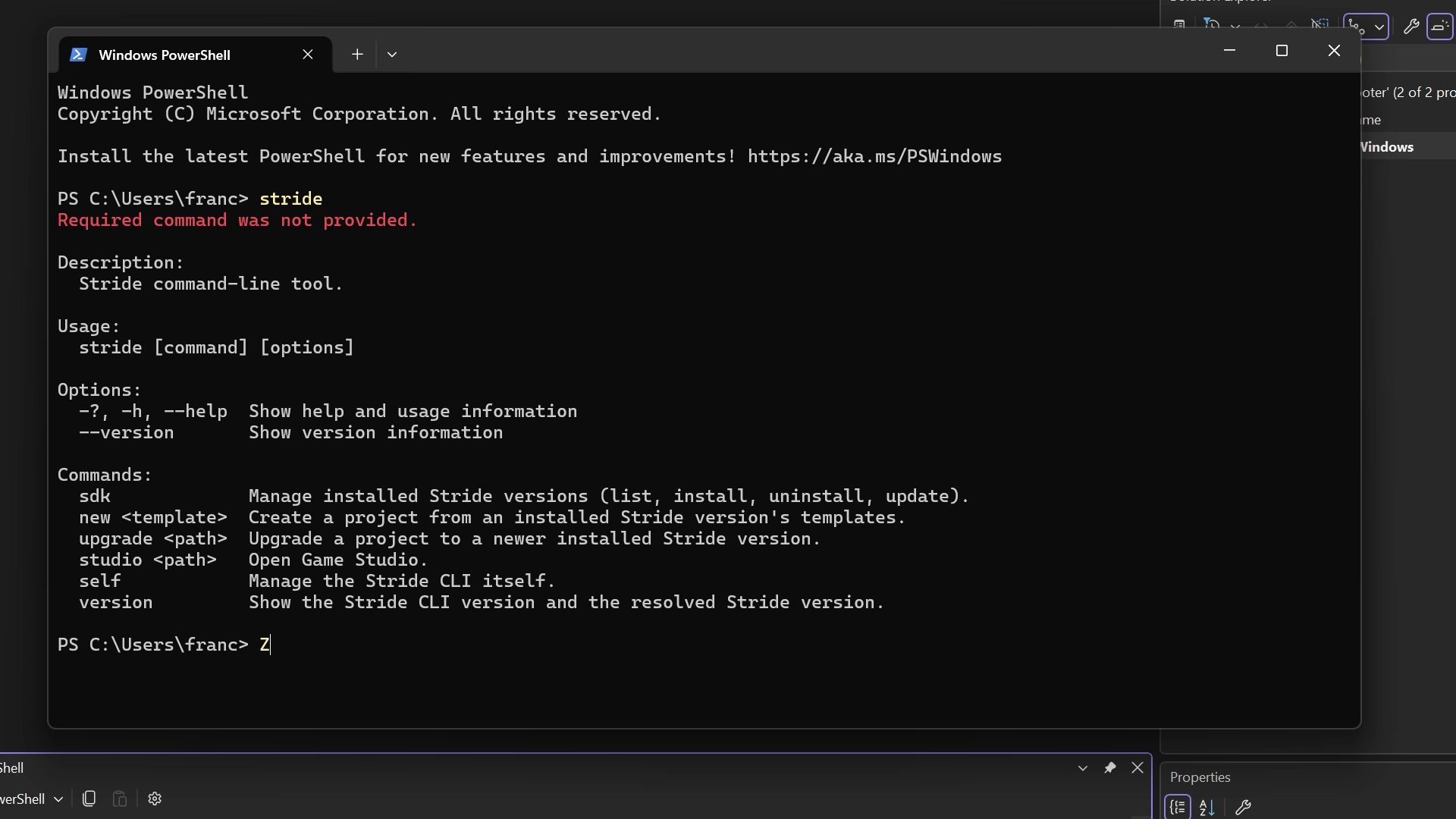
Stride CLI lets you install and launch the editor without having to lift your fingers off the keyboard. Additionally, you can build and test your projects using standard .NET tooling directly from the terminal, without a need for additional apps.
C# source code
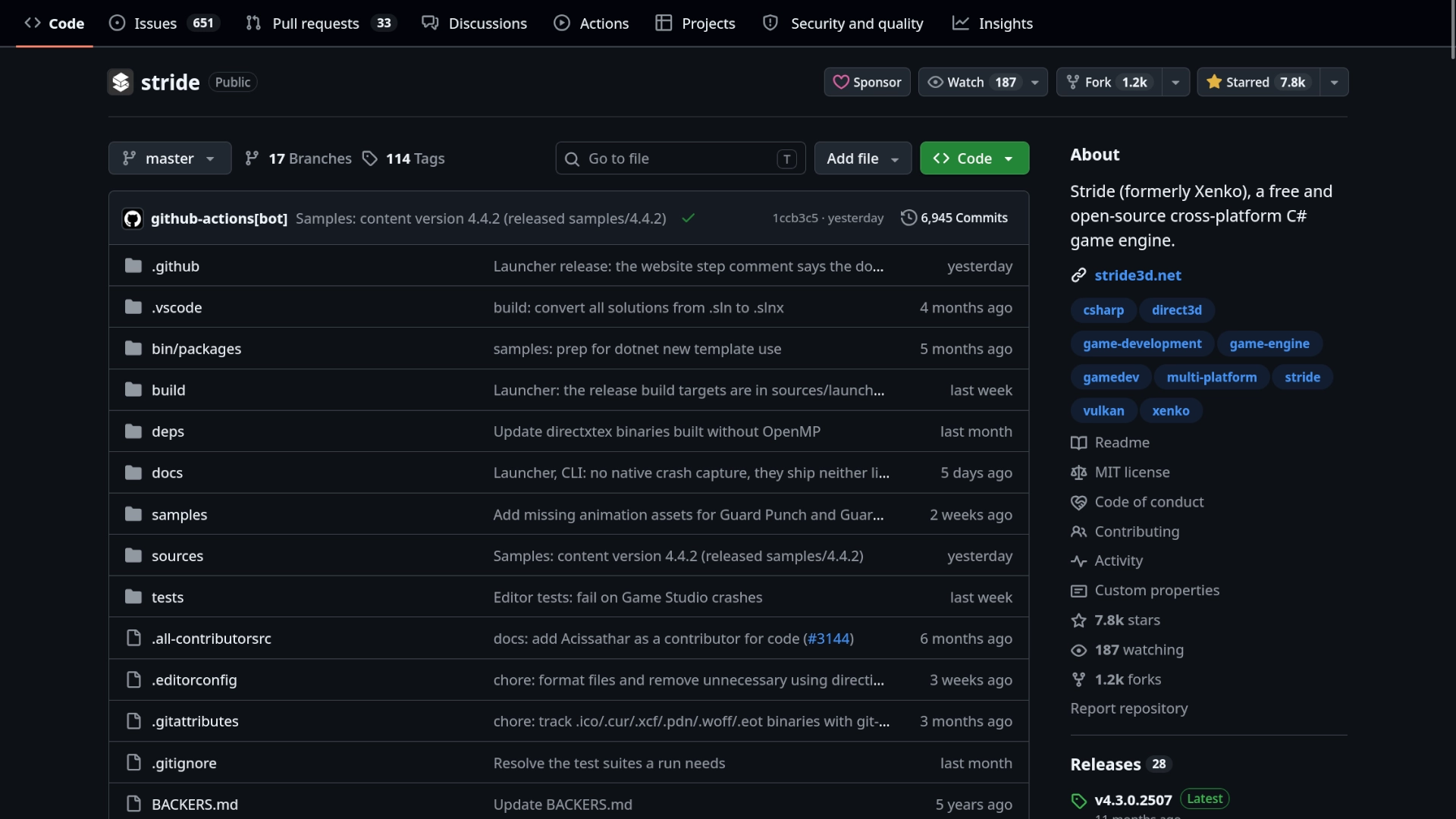
If you run into a problem or would want to change how the engine behaves, you can do so without having to learn another programming language. Stride is written in C#, meaning that you can modify and improve the engine using your existing knowledge from making games.